Your to-do list just called the dentist.
That appointment you’ve been putting off for months? Tap Run. Taskel finds the office, checks your calendar and, with your tap, calls to book it.
For iPhone. The list is free.
It’s been on your list since March.
You don’t need another reminder.
Hold music is not a personality.
Looking into thisChecking what you've told meHow can I help?
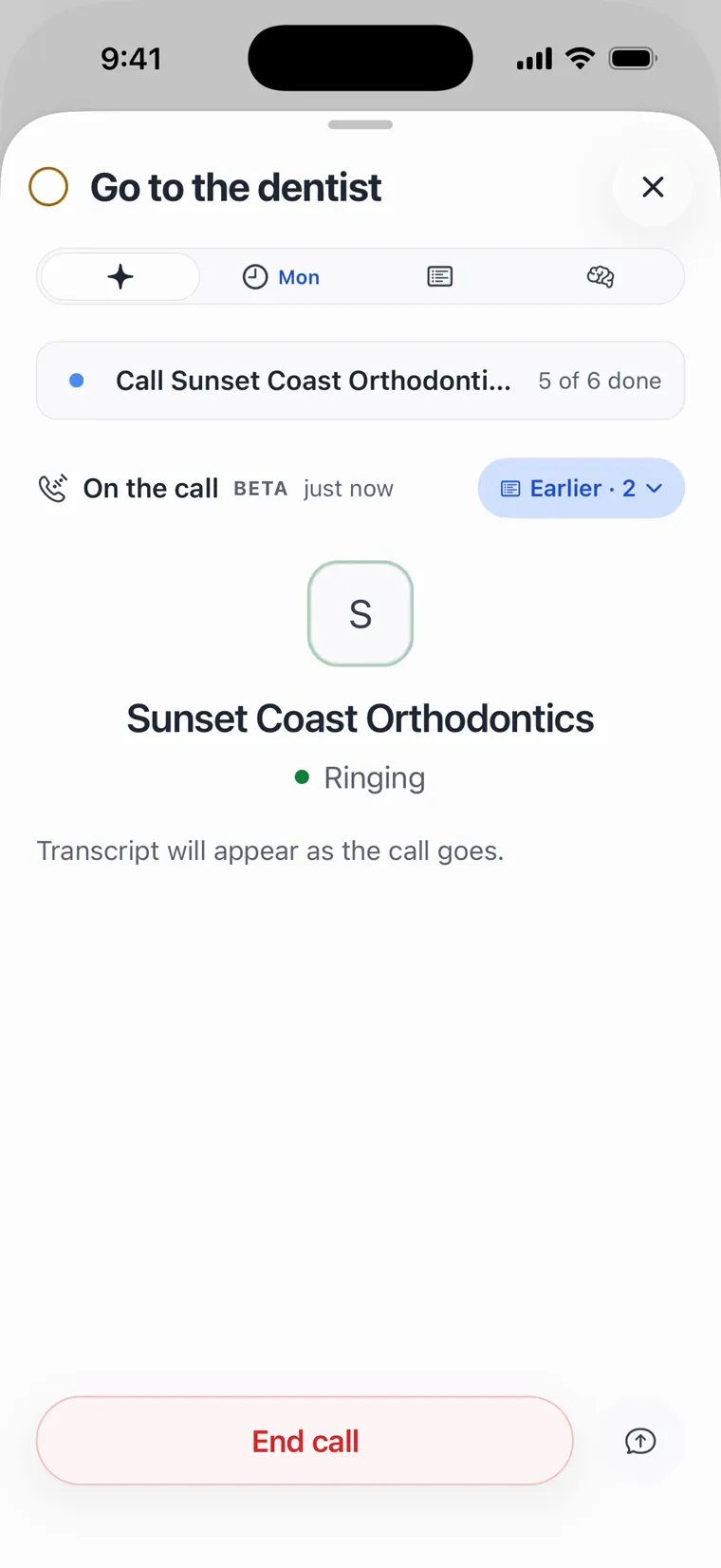
You tap Run. It asks what you’d like done.
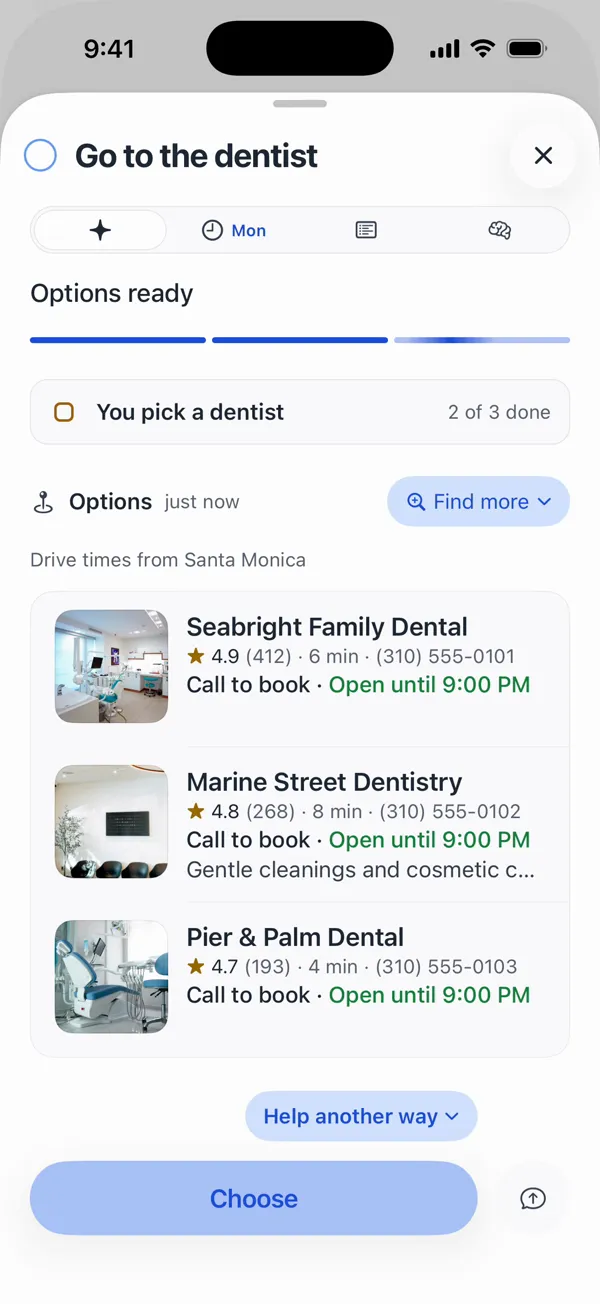
Finding a dentist near youChecking hours and who's openOptions ready
It goes looking, then shows you the dentists.
You pick a dentistShowing orthodontists near you
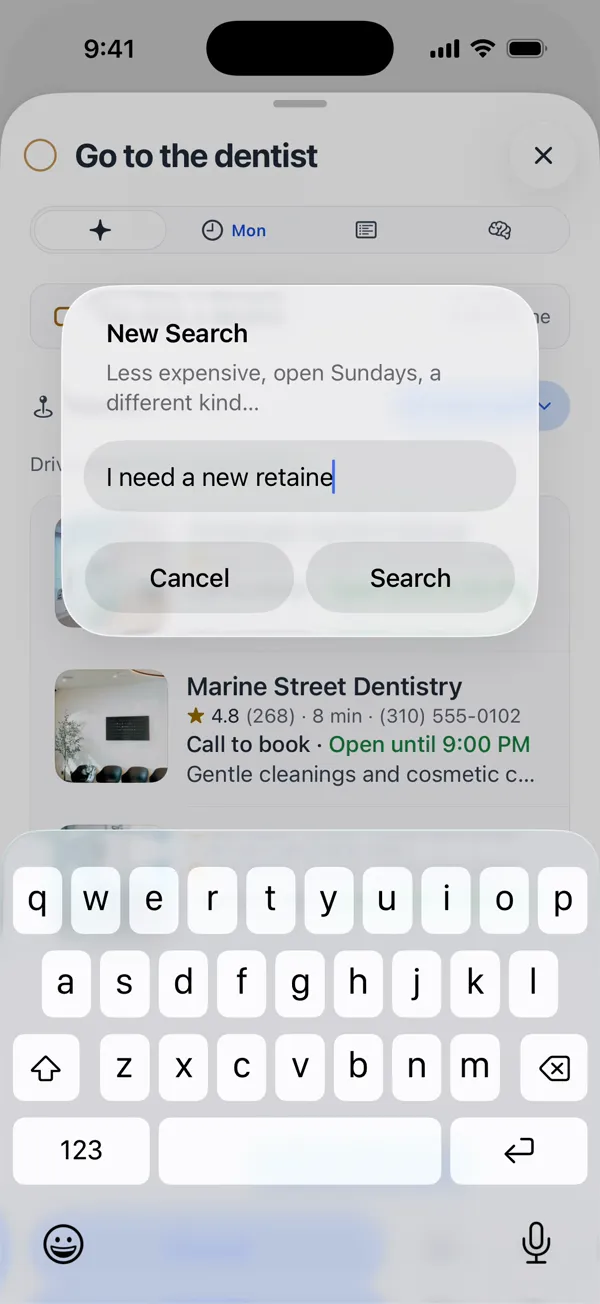
“I need a new retainer.” Now it’s orthodontists.
You pick an orthodontistYou approve the call
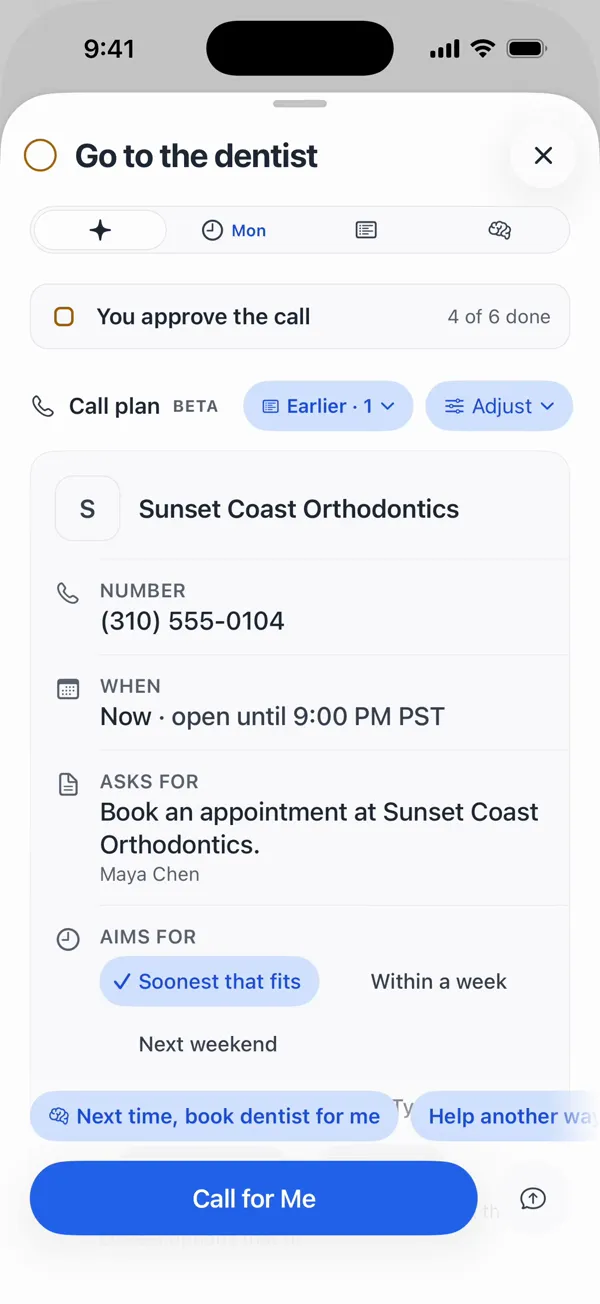
You pick one. It fills in the plan and waits.
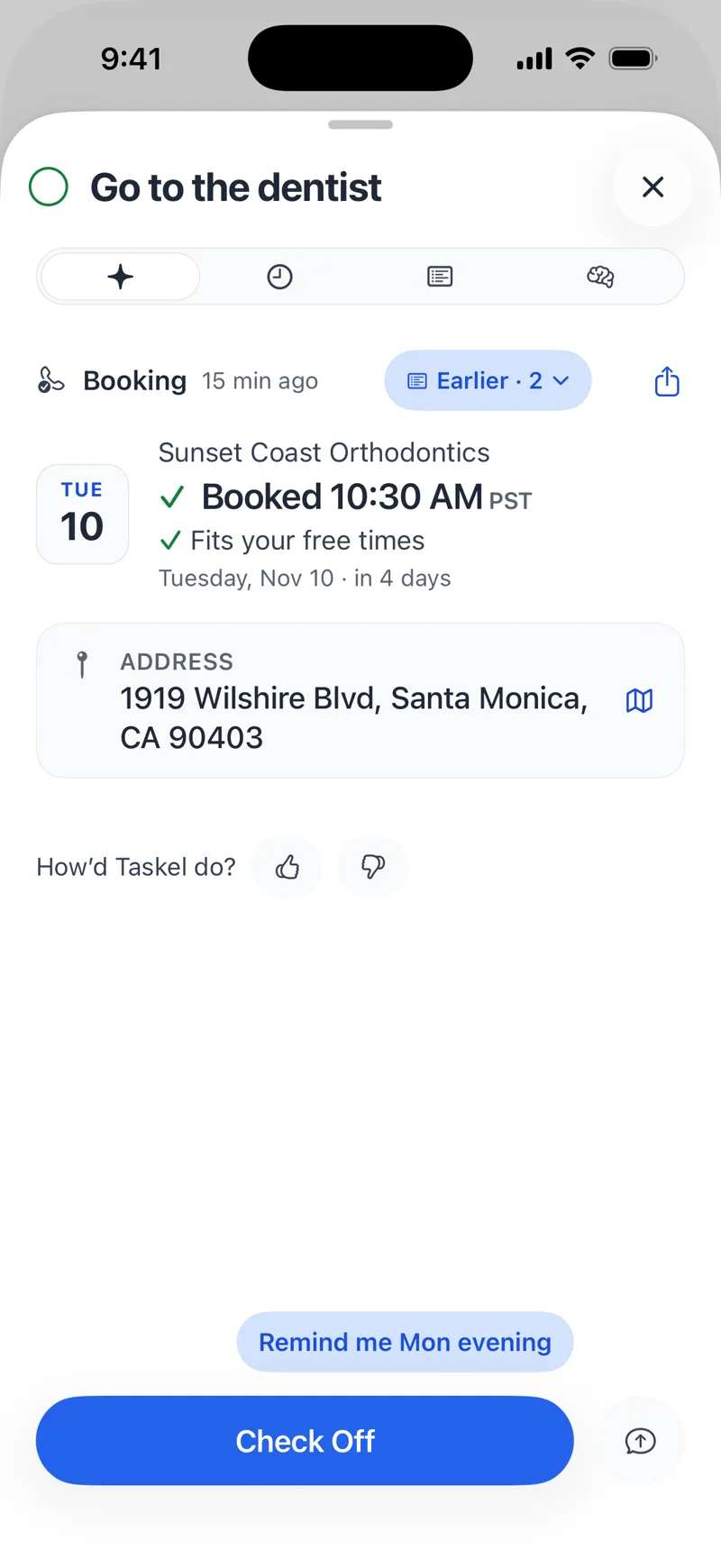
On the callCall succeededBooked 10:30 AM
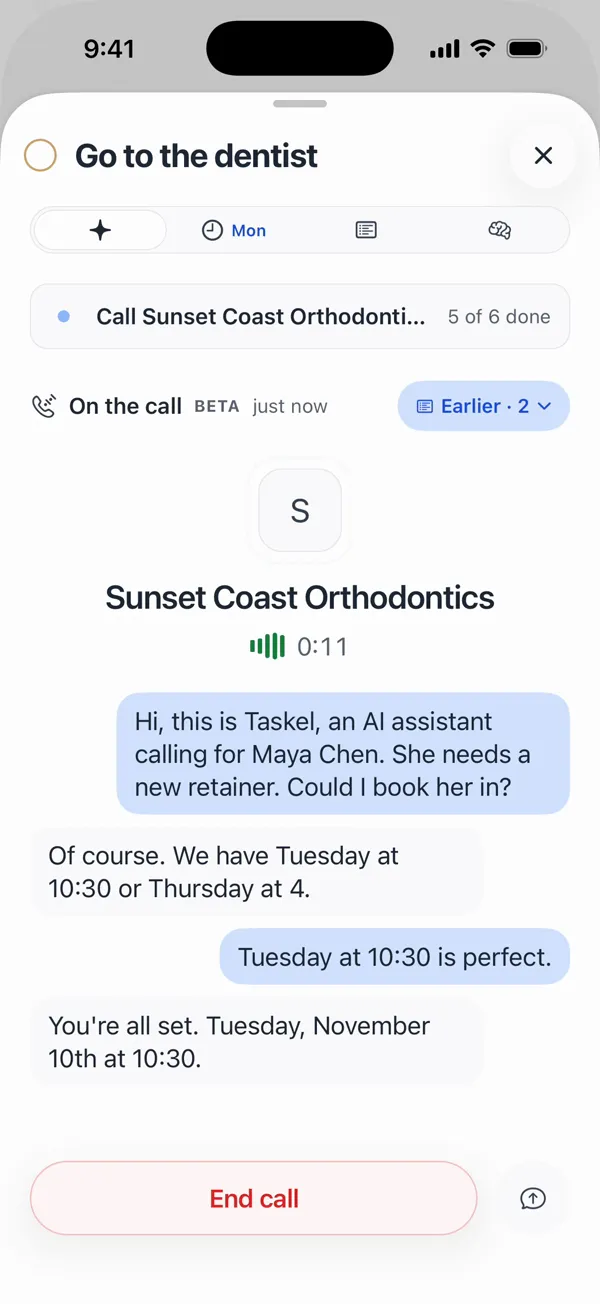
You tap Call. It talks to the office. You’re booked.
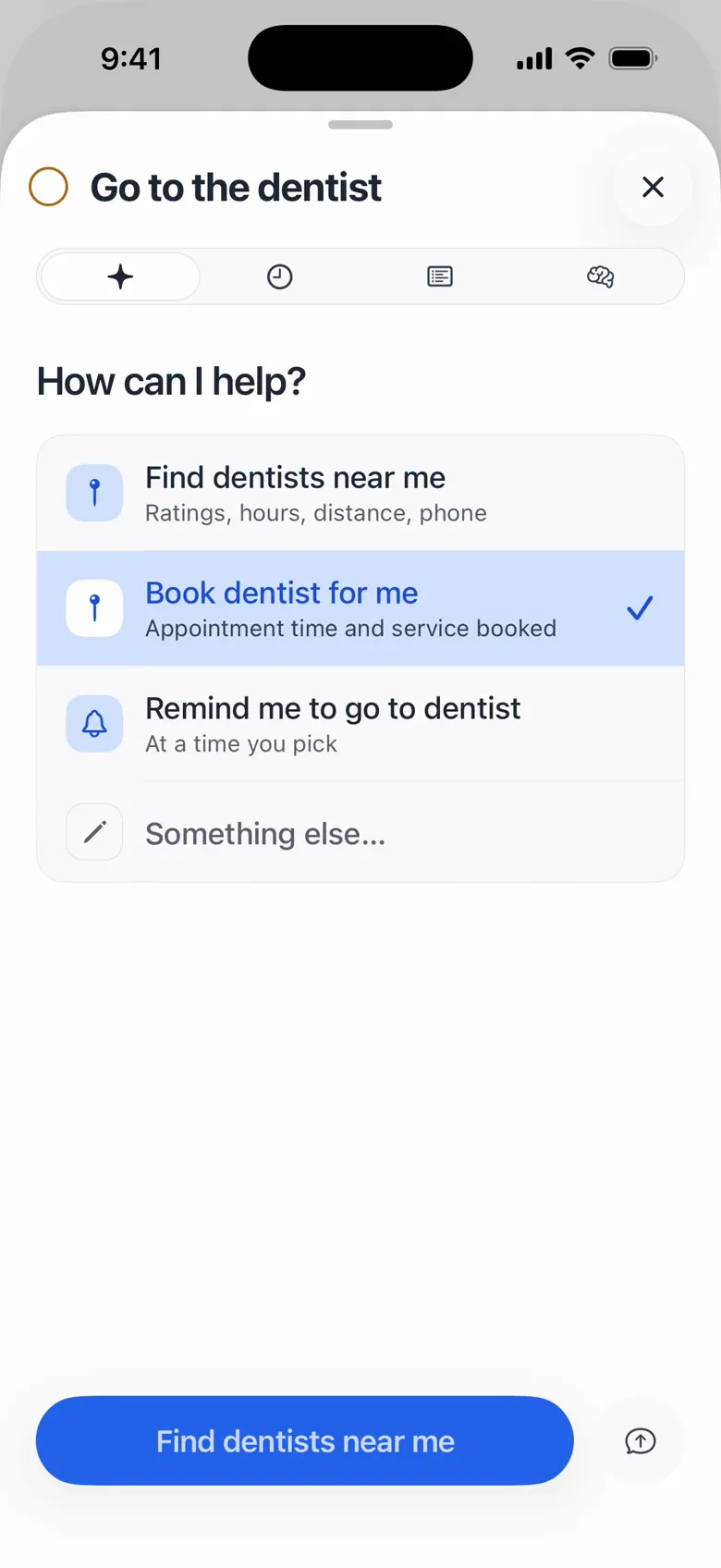
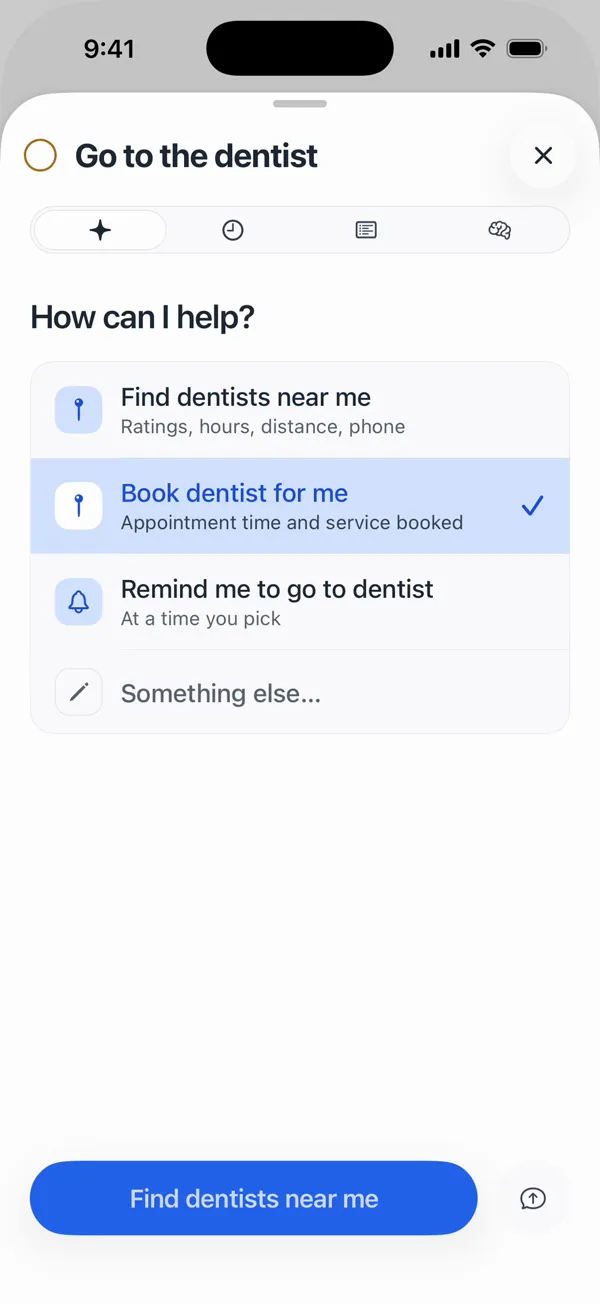
You tap Run. It asks what you’d like done.
How can I help?
It goes looking, then shows you the dentists.
Options ready
“I need a new retainer.” Now it’s orthodontists.
Showing orthodontists near you
You pick one. It fills in the plan and waits.
You approve the call
You tap Call. It talks to the office. You’re booked.
Booked 10:30 AM
No prompts. No chat.
Every task gets the card it needs: dentists you can filter, a plan with the number and your times, the call as it happens. You just tap.
Get early accessIt shows its work.
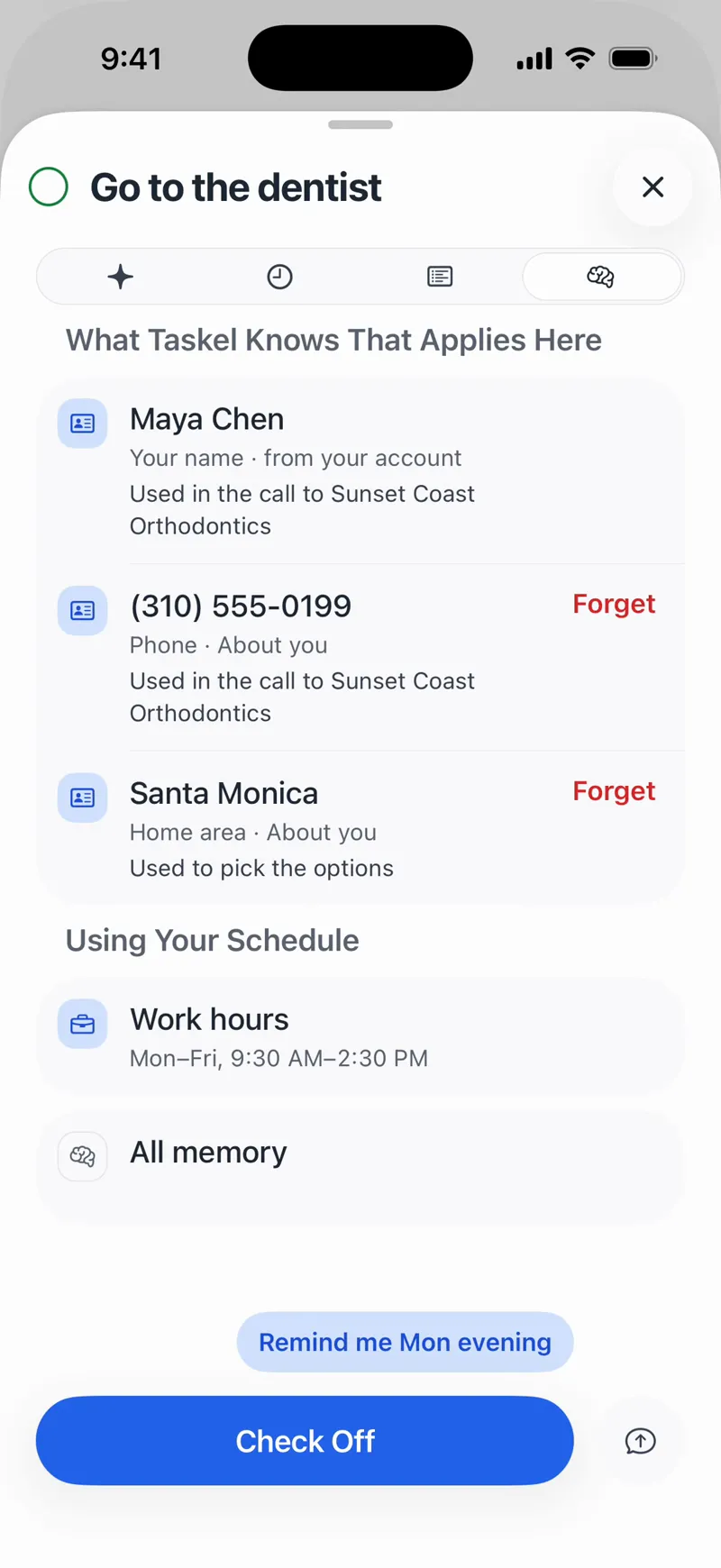
It remembers what you tell it, so it doesn’t have to ask. Then every task keeps a Memory tab: what it used, and why.
- Maya ChenUsed in the call to Sunset Coast Orthodontics
- Santa MonicaUsed to pick the options
- Mon to Fri, 9:30 to 2:30Work hours, so it books around them
Anything it knows, you can make it forget.
Nothing happens until you tap.
Sending, calling, paying and adding to your calendar each wait for your tap. Tapping Call gives it the go-ahead to book within your times.
On the phone, it says right away that it’s an AI calling for you. Voicemail, no slot, an office that won’t talk to an AI: your task tells you what happened.
Or just ask for a reminder. Sometimes a nudge is enough.
Get early accessA great list, even if you never tap Run.
It’s free, it works offline, and there’s no sign-up. You invite help one task at a time.
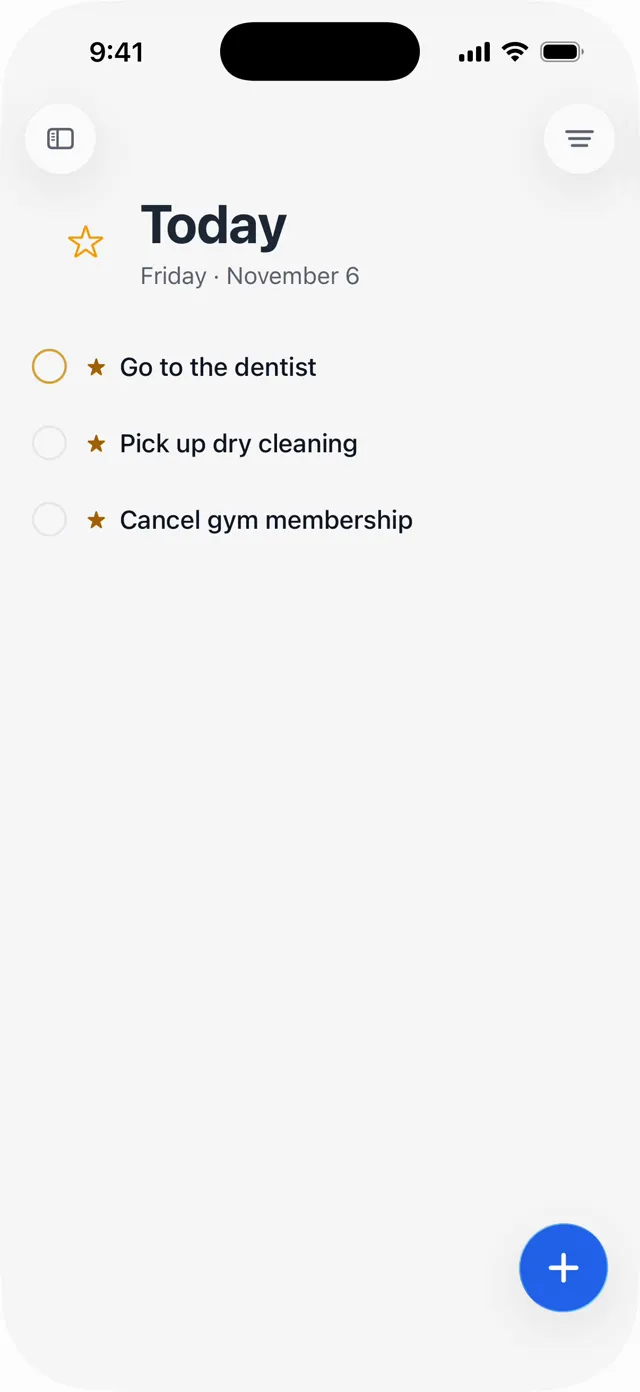
Two words and it’s on the list.
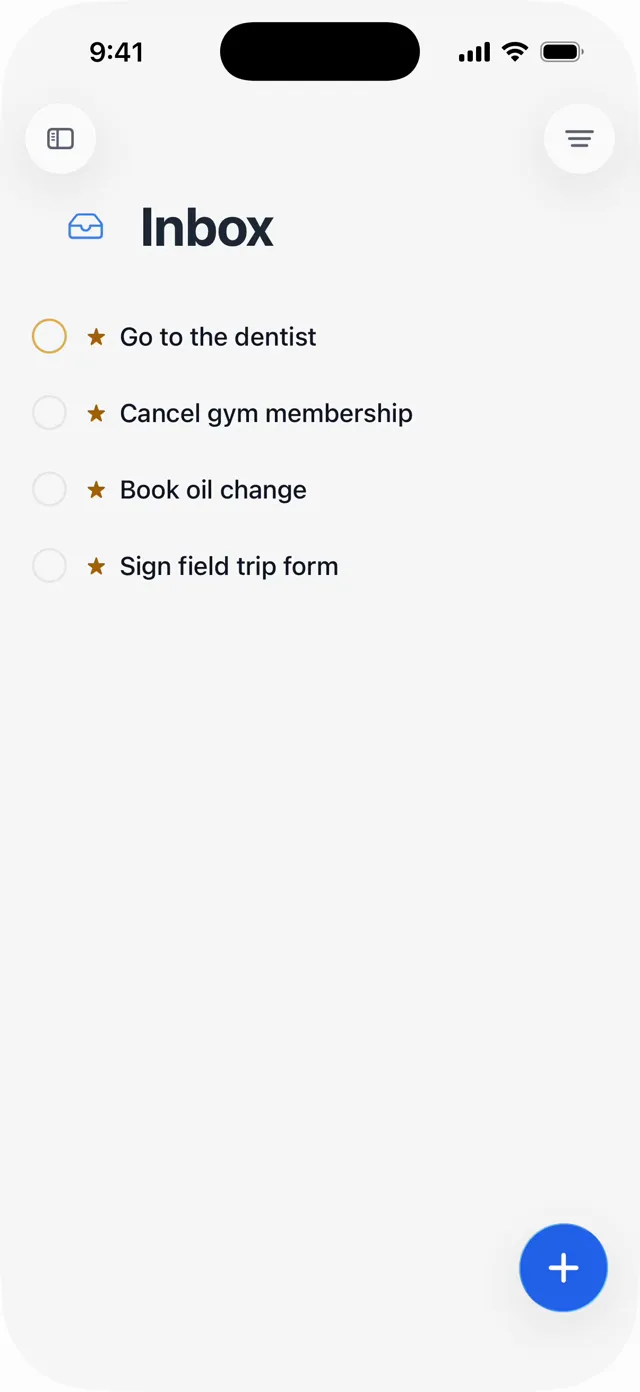
Inbox, Today, Upcoming, Logbook. You already know your way around.
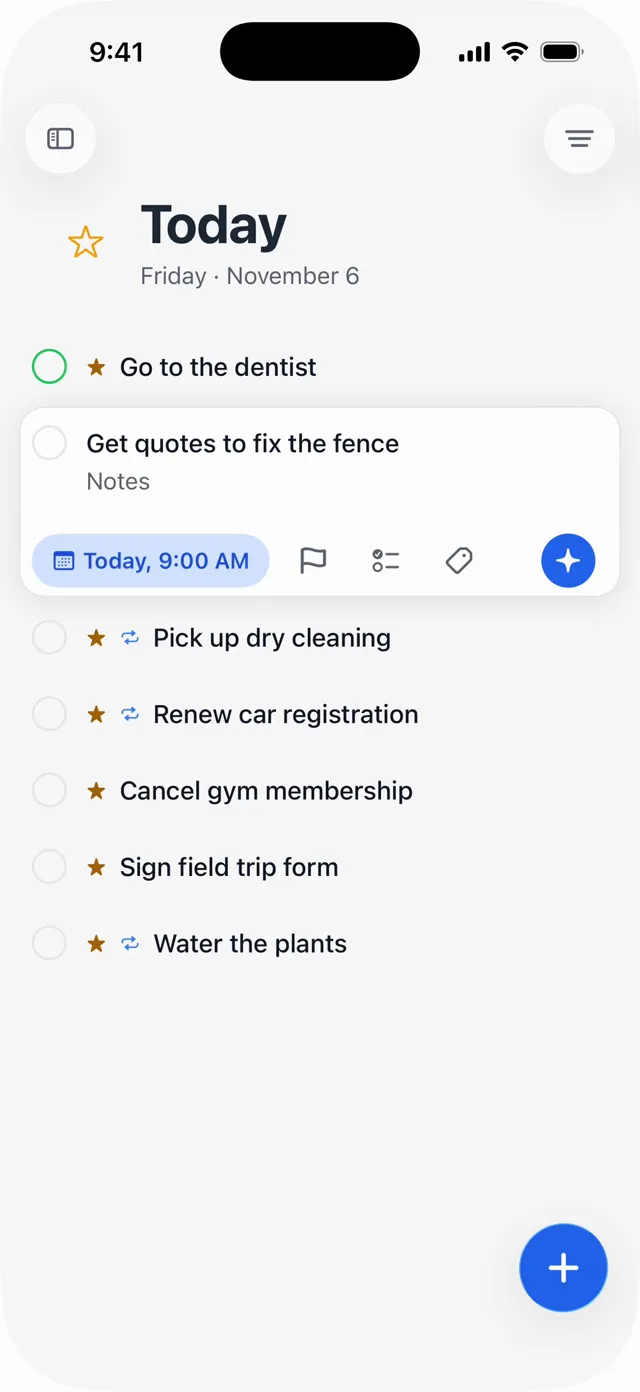
A day, a deadline and a reminder, in a couple of taps.
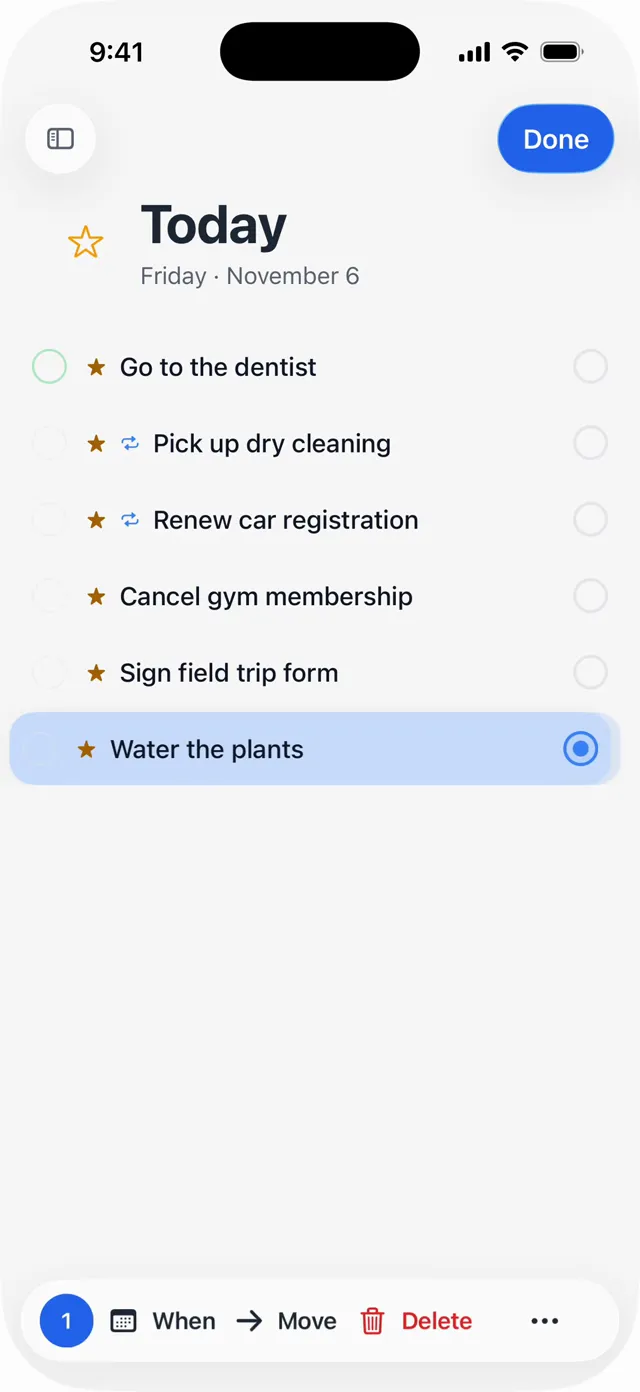
Water the plants Mon, Thu and Fri. Only the next one shows.
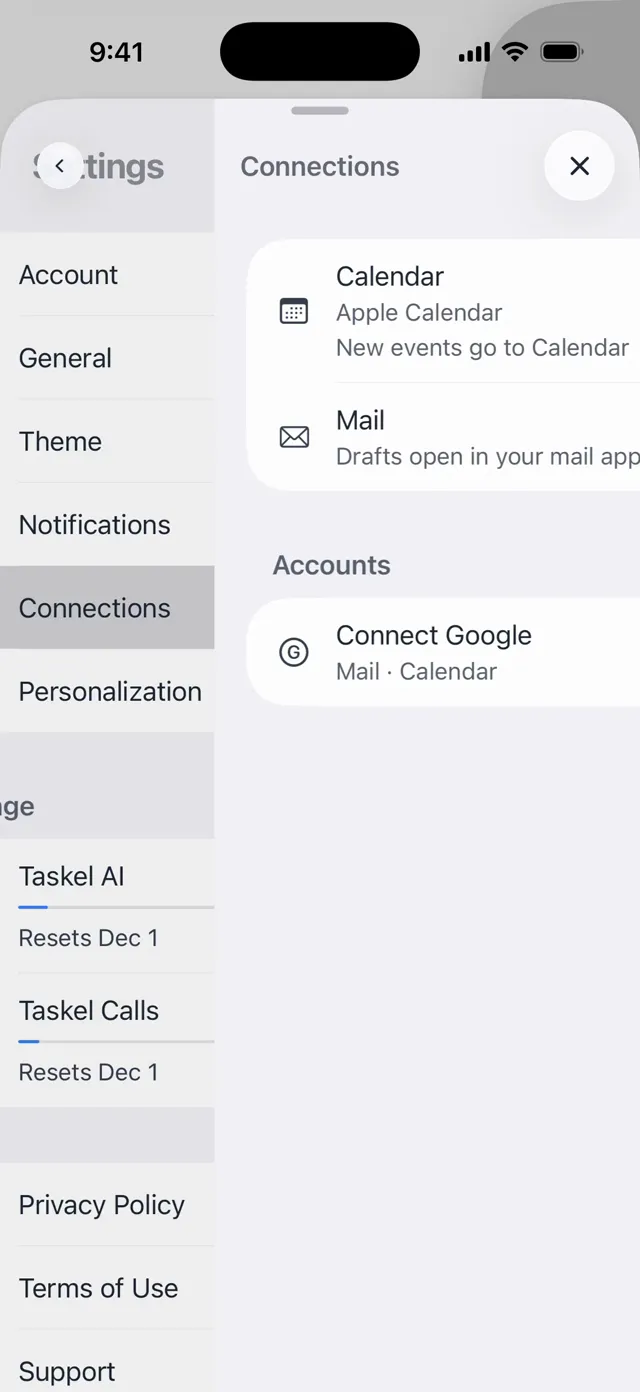
Your calendar and mail, if you want them. Google too.
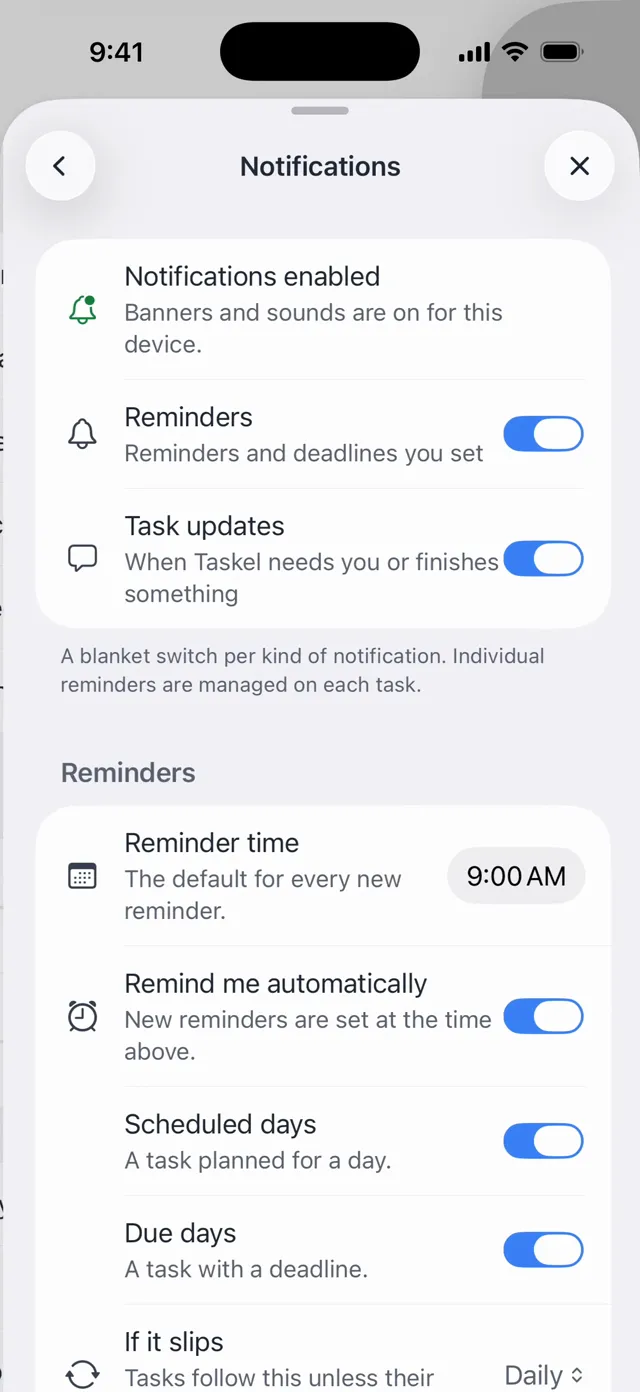
Pick what’s allowed to buzz you, and when.
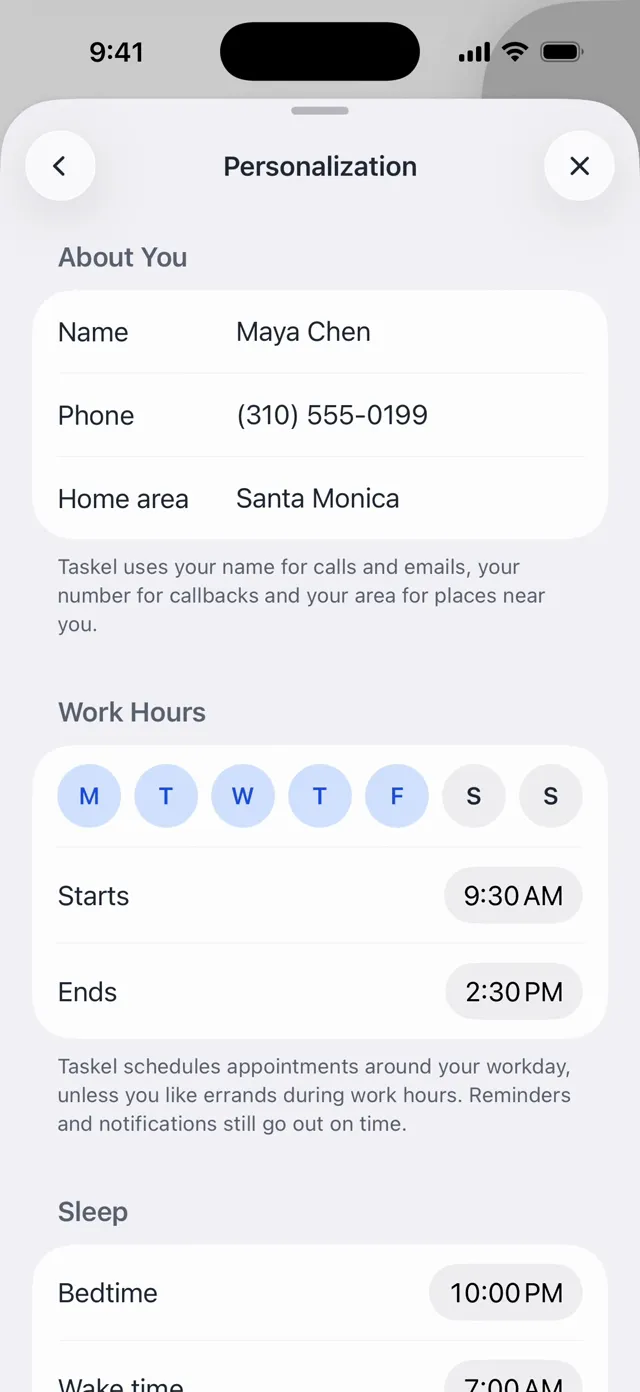
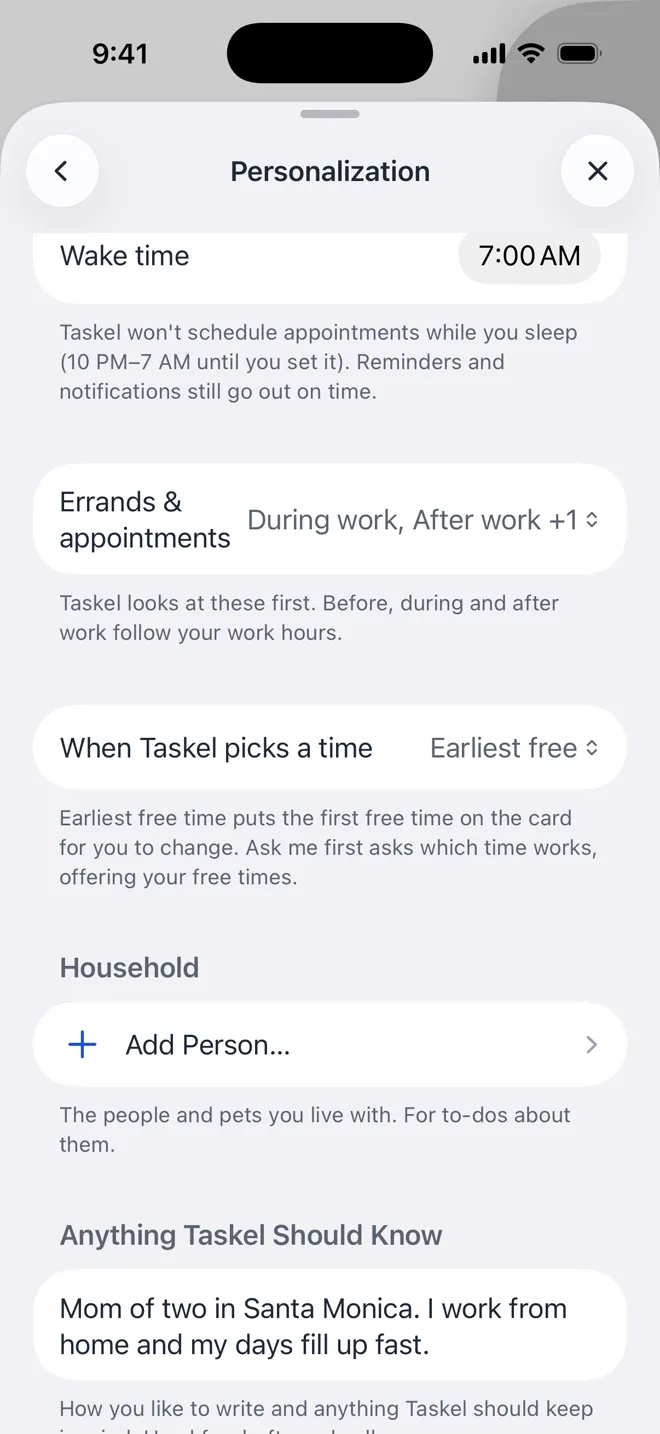
Your hours, your area, and how you like things done.
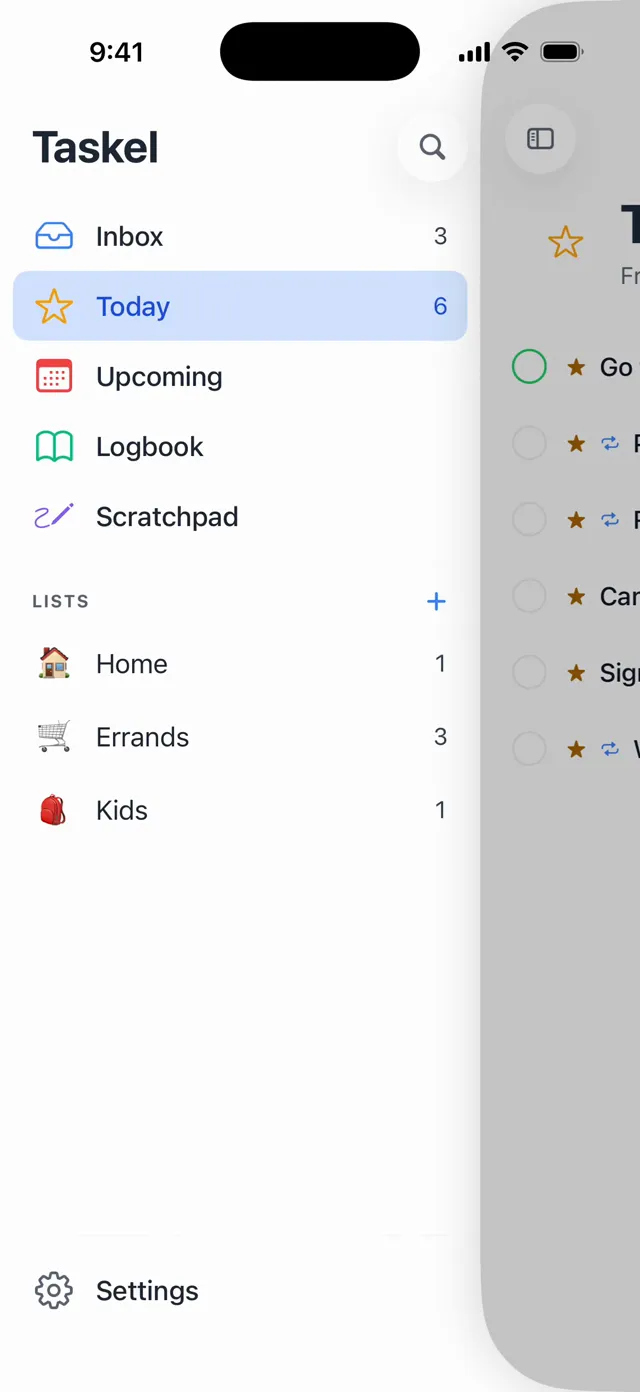
Theme, usage and everything else, in one place.

I have way too much on my to-do list, and I got sick of nothing on it actually getting done. So I built a list that helps. It’s still just a list. It just stopped sitting there judging me.
Brian Busco, founder and chronic over-lister
Keep the list. Hand off the rest.
Free
$0
- Capture, lists, dates, reminders and repeats
- Works offline, with no sign-up
- Join anyone’s shared list
Taskel Pro Coming soon
$19.99 a month
- Taskel works your tasks
- 60 call minutes a month
- Your lists sync
- Share any list, and whoever you invite joins free
Pro isn’t on sale yet, so nobody’s being charged.
Questions
When can I get Taskel?
It isn’t on the App Store yet. Leave your email and we’ll tell you as soon as you can get it.
Is the list really free?
Yes. Capture, lists, dates, reminders and repeats are free and work offline, with no sign-up. Taskel Pro is for when you want it working your tasks, syncing your lists and sharing them.
When does Taskel actually dial?
Only after you tap Call on the call plan. Nothing you type or say can start a call.
What does tapping Call let it do?
Book within the times on the plan. If the office has a slot that fits, the call can book it with no second tap. If nothing fits, it books nothing and tells you.
Does the office know it’s talking to an AI?
Yes. The call opens by saying it’s an AI calling for you, by name. It never claims to be you, and it never denies being an AI.
Are calls recorded or transcribed?
Yes, so Taskel can report back to you. The recording is stored privately with your account. A calling provider places the call, and speech and language model providers process it to run the conversation.
What if it reaches voicemail or nobody answers?
The card on your task says what happened, and it won’t claim a booking that didn’t happen. Then you choose what’s next.
Can it handle an emergency?
No. Please call 911 yourself. Taskel is for errands: booking, rescheduling, cancelling, asking a question. It isn’t for sales or marketing calls.
What does it cost?
Calls come with Taskel Pro, which is $19.99 a month with 60 call minutes included, and it isn’t on sale yet. Pro renews monthly until you cancel, and you can cancel anytime in Settings. We’ll post any trial terms before Pro opens.
Where does it work?
Taskel is an iPhone app for people in the US, calling US businesses.
Your to-dos, handled.
Taskel isn’t on the App Store yet. Leave your email and we’ll tell you as soon as you can get it.
You’re on the list. We’ll email you as soon as you can get Taskel.
That doesn’t look like an email address.
We couldn’t confirm you’re a person. Try again.
That didn’t go through. Try again.
You’re offline. Try again when you’re back on a connection.